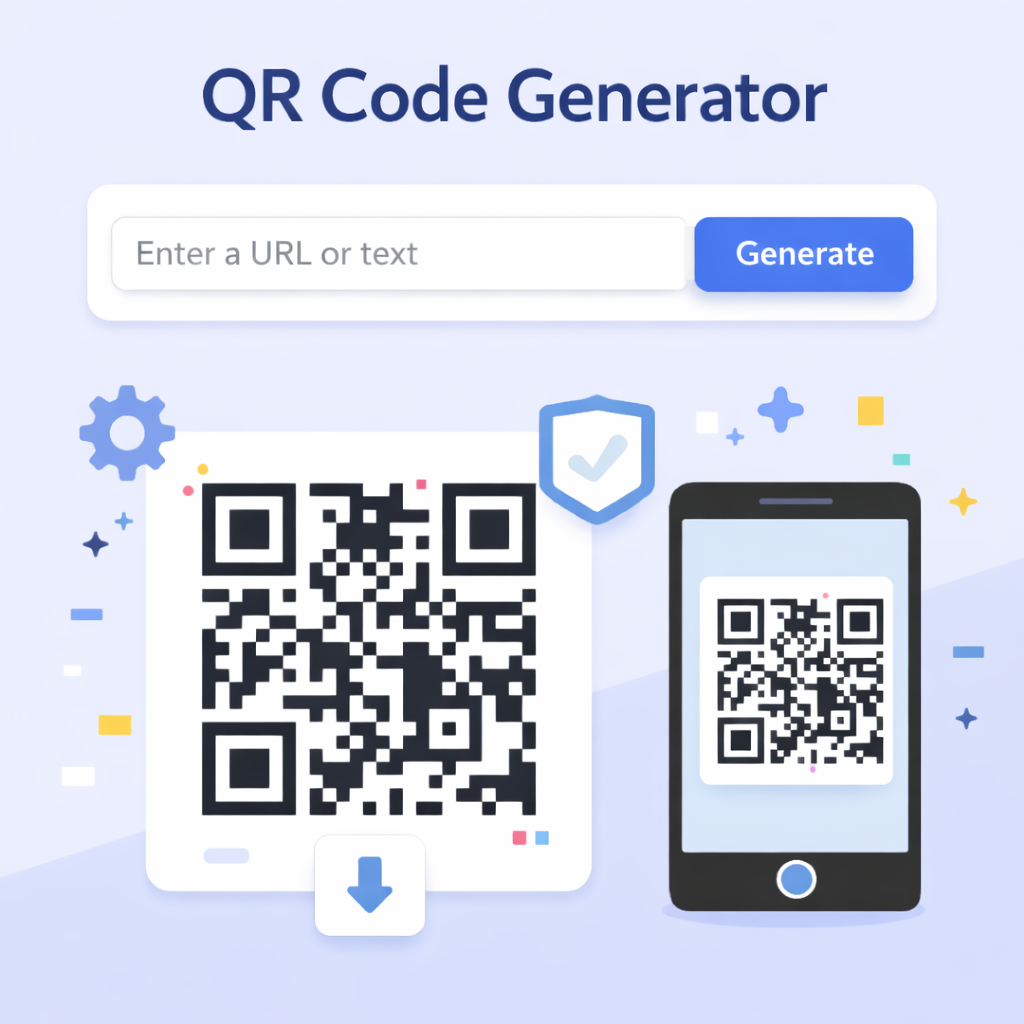
How to Use This QR Tool
This all-in-one tool allows you to both create and read QR codes directly from your browser.
Generating a QR Code
- Select "Generate QR" – This is the default mode.
- Enter Content – Type a URL (website link) or any text you want to encode.
- Customize – Pick foreground and background colors to match your brand.
- Download – Click the download button to save your QR code as a PNG image.
Scanning a QR Code
- Select "Scan QR" – Switch to the scanner tab.
- Use Camera – Click "Start Camera Scan" to use your webcam or phone camera.
- Upload Image – If you have a screenshot of a QR code, use "Upload Image" to decode it.
Privacy Note: All processing happens locally in your browser. Your data and images are never sent to our servers.
Why Use QR Codes?
Quick Response (QR) codes are two-dimensional barcodes that can store more information than standard barcodes.
- Marketing: Direct users to websites, social media profiles, or special offers.
- Wi-Fi Sharing: Share network credentials easily without typing complex passwords.
- Contact Info: Create vCards that save directly to a phone's contacts.
- Events: Use for touchless ticketing and check-ins.
- Payments: Facilitate quick and secure mobile payments.
Best Practices for QR Codes
- Contrast is Key: Ensure there is high contrast between the foreground and background (e.g., black on white).
- Keep it Simple: The more data you store, the more complex the dots become. Use URL shorteners for cleaner codes.
- Test Before Printing: Always scan your code with multiple devices to ensure it works before mass printing.
- Size Matters: Don't print it too small. A minimum size of 2x2 cm (0.8x0.8 inches) is recommended.
Frequently Asked Questions
Do these QR codes expire?
No. The QR codes generated here are "static," meaning the information is directly encoded into the image. They will work forever as long as the link/text they point to is valid.
Is there a scan limit?
No. You can scan and generate as many codes as you want. There are no limits.
Can I customize the colors?
Yes! You can choose any custom colors. However, we recommend dark patterns on light backgrounds for the best scanning reliability.
Is it safe to scan any QR code?
You should be cautious. QR codes can link to malicious websites. Our scanner shows you the content (URL) first so you can verify it before opening.